

Cozy Builder
Cozy Builder Free Download - Overview
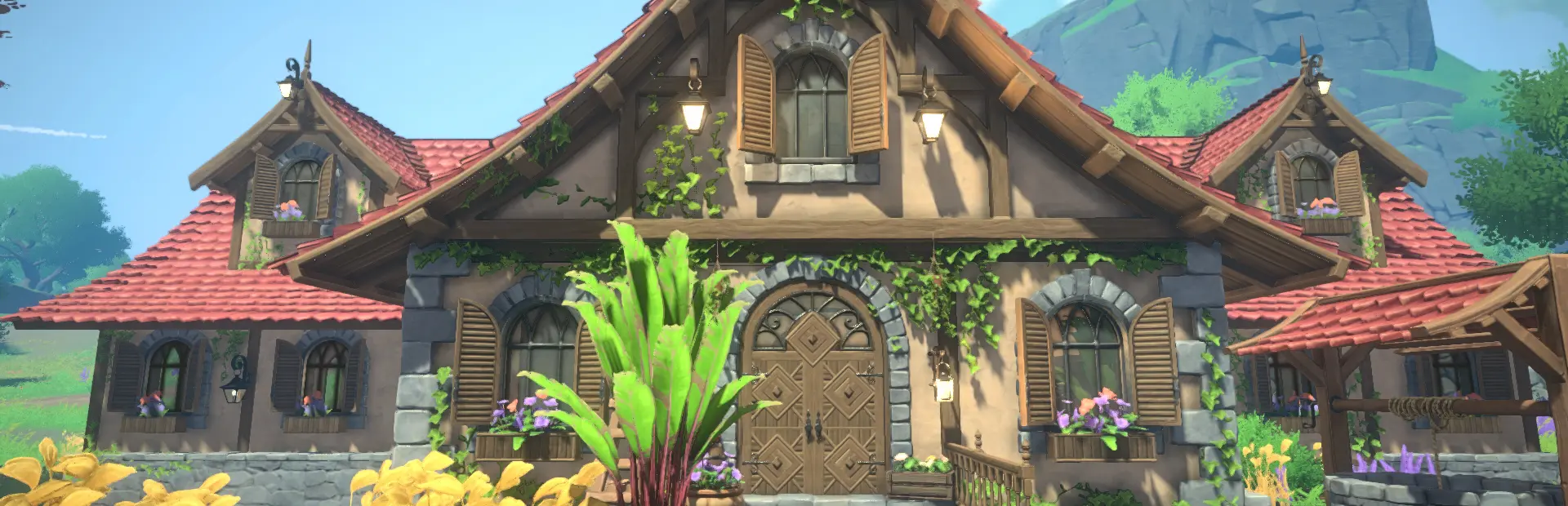
After enduring an earthquake, the once-bustling Vineyard Valley now rests in quiet disrepair. Restore its beauty, rebuild its homes, and bring warmth and life back to the countryside. Each home you bring back to life helps the valley bloom again, turning forgotten places into reflections of peace and care. Build from the ground up using intricate, customizable pieces. Create ivy-covered walls, elegant arches, and gabled rooftops that reflect your personal style. Whether you dream of a rustic cottage or a grand estate, every home in Cozy Builder tells its own story.
Furnish interiors with art, cozy furniture, and handcrafted details that make your spaces feel alive. Step outside to design gardens, terraces, and greenhouses bursting with flowers and greenery. Every decoration adds warmth and charm to your vineyard retreat. With abundant sunshine across the valley, no home is complete without a greenhouse. Create elegant glass structures filled with light, color, and life, seamlessly connected to your home interiors. Collect rare plants, nurture flowers, and design lush indoor gardens that blur the line between inside and out. Your greenhouse is both a sanctuary and a living work of art.
Screenshots
System Requirements
- OS Windows 10 or later
- Processor Intel Core i5-6600 / Ryzen 5 3500
- Memory 16 GB RAM
- Graphics GeForce GTX 960 4GB or similar
- Storage 4 GB available space
- Additional Notes Requires a 64-bit processor and operating system
- OS Windows 10 or later
- Processor Intel Core i5-8400 / AMD Ryzen 5 4500
- Memory 16 GB RAM
- Graphics GeForce GTX 1060 or similar
- Storage 4 GB available space
- Additional Notes Requires a 64-bit processor and operating system
How to Install
Download Cozy Builder (1.27 GB) using the download button.
Extract the archive with WinRAR or 7-Zip.
Open the extracted game folder and run
Cozy Builder.exe.
Game Data & Settings
Change Language: Edit the file located at
steam_settings/Configs.user.ini.Save Data Location:
%USERPROFILE%/AppData/LocalLow/PangeaGameStudios/CozyBuilderV
First, complete the installation of Cozy Builder.
Download the OnlineFix file.
Open the OnlineFix archive with WinRAR or 7-Zip.
Extract the files and folders inside the archive into the main folder of Cozy Builder, keeping the folder structure intact.
Use the main folder you extracted the game into.
If you are asked to merge or replace files, choose Yes / Replace.
When it is done, Sign in Steam Account and run
Cozy Builder.exe.
You might also like






Comments
Sign in to join the conversation.
No comments yet. Be the first to say something.