

Deep Dish Dungeon
Deep Dish Dungeon Free Download - Overview
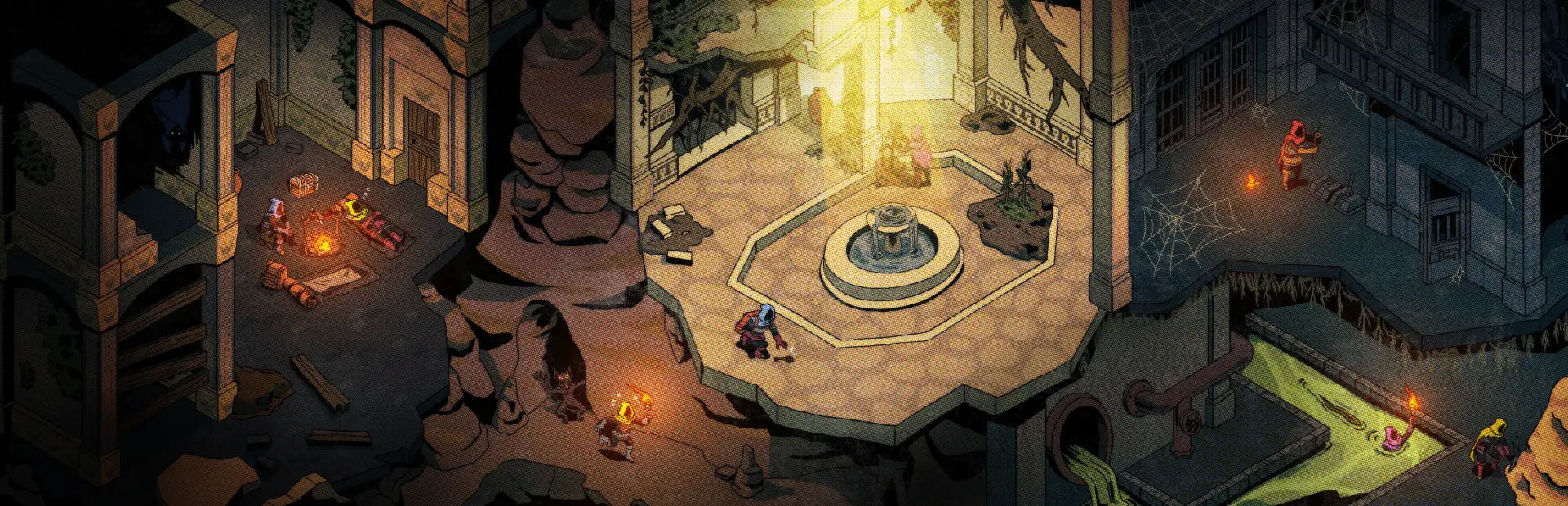
Forage and scavenge as you traverse through the dungeon's bountiful depths. Between your journeys, return to camp and plan your next steps by the fire. Use the resources you find to craft new tools and cook a hearty meal. Remember that food is progress: over time, unlock recipes that have different effects on your stats. Fortune favors the bold. Take your time to investigate every shadow, solve every puzzle, and open every door. The dungeon will reveal its secrets only if you are patient and persistent. Learn how to defeat enemies with diverse behaviors, discover coveted treasures, and never take a hint for granted.
Any adventure is better with pals! Play with up to two friends and collaborate to unveil the secrets of the dungeon. Remember, co-op mode in Deep Dish Dungeon is not about competition, but connecting, sharing knowledge, and taking care of each other.
Screenshots
System Requirements
- OS Windows 10, 11 or superior
- Processor Intel® Core™ i3 or superior
- Memory 8 GB RAM
- Graphics DX9 (shader model 3.0) or DX11 with feature level 9.3 capabilities.
- DirectX Version 11
- Network Broadband Internet connection
- Storage 2 GB available space
- Additional Notes Requires a 64-bit processor and operating system
- OS Windows 10, 11 or superior
- Processor Intel® Core™ i5 or superior
- Memory 16 GB RAM
- Graphics Nvidia GTX 580 / AMD HD 7870 or newer
- DirectX Version 11
- Network Broadband Internet connection
- Storage 2 GB available space
- Additional Notes Requires a 64-bit processor and operating system
How to Install
Download Deep Dish Dungeon (362 MB) using the download button.
Extract the archive with WinRAR or 7-Zip.
Open the extracted game folder and run
Deep Dish Dungeon.exe.
Game Data & Settings
Change Language: Edit the file located at
steam_settings/Configs.user.ini.Save Data Location:
%USERPROFILE%/AppData/LocalLow/Behold Studios/Deep Dish Dungeon/
First, complete the installation of Deep Dish Dungeon.
Download the OnlineFix file.
Open the OnlineFix archive with WinRAR or 7-Zip.
Extract the files and folders inside the archive into the main folder of Deep Dish Dungeon, keeping the folder structure intact.
Use the main folder you extracted the game into.
If you are asked to merge or replace files, choose Yes / Replace.
When it is done, Sign in Steam Account and run
Deep Dish Dungeon.exe.
You might also like






Comments
Sign in to join the conversation.
No comments yet. Be the first to say something.