

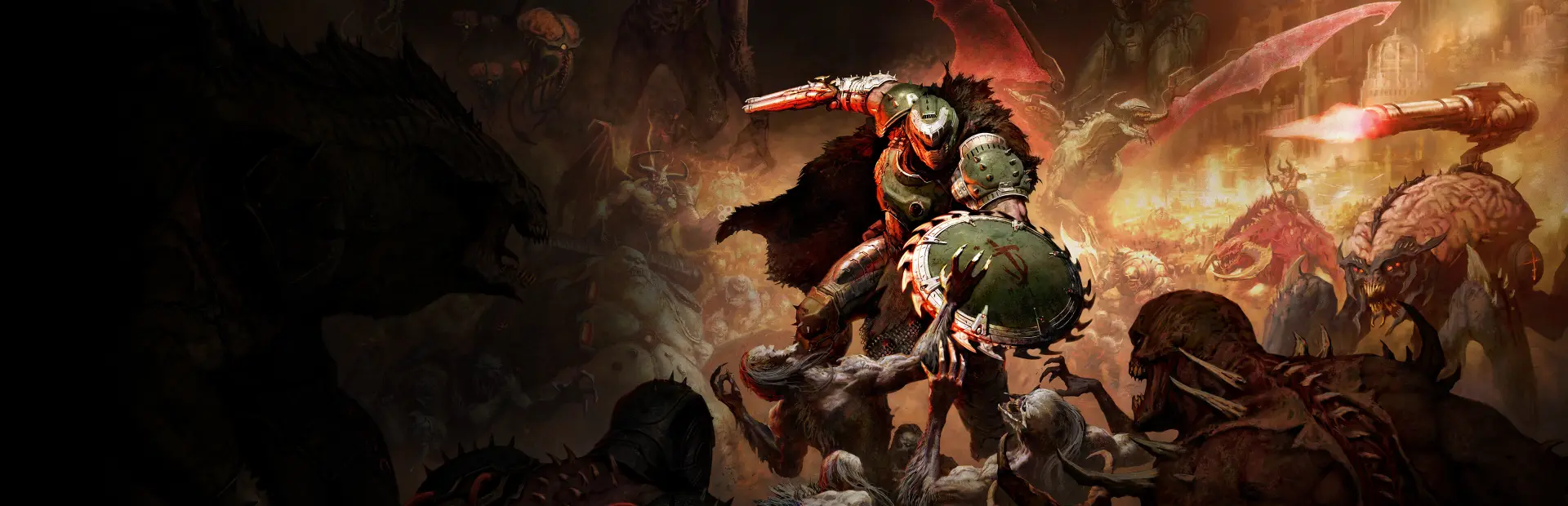
DOOM: The Dark Ages
DOOM: The Dark Ages Free Download - Overview
As the super weapon of gods and kings, shred enemies with devastating favorites like the Super Shotgun while also wielding a variety of new bone-chewing weapons, including the versatile Shield Saw. Players will stand and fight on the demon-infested battlefields in the vicious, grounded combat the original DOOM is famous for.
Experience an epic story of the DOOM Slayer’s rage in this cinematic and action-packed story. Bound to serve as the super weapon of gods and kings, the DOOM Slayer fends off demon hordes as their leader seeks to destroy the Slayer and become the only one that is feared. Witness the creation of a legend as the Slayer takes on all of Hell and turns the tide of the war.
In his quest to crush the legions of Hell, the Slayer must take the fight to never-before-seen realms. Mystery, challenges, and rewards lurk in every shadow of ruined castles, epic battlefields, dark forests, ancient hellscapes, and worlds beyond. Armed with the viciously powerful Shield Saw, cut through a dark world of menace and secrets in id's largest and most expansive levels to date.
Screenshots
System Requirements
- OS Windows 10 64-Bit / Windows 11 64-Bit
- Processor AMD Zen 2 or Intel 10th Generation CPU @3.2Ghz with 8 cores / 16 threads or better (examples: AMD Ryzen 7 3700X or better, or Intel Core i7 10700K or better)
- Memory 16 GB RAM
- Graphics NVIDIA or AMD hardware Raytracing-capable GPU with 8GB dedicated VRAM or better (examples: NVIDIA RTX 2060 SUPER or better, AMD RX 6600 or better)
- Storage 100 GB available space
- Additional Notes 1080p / 60 FPS / Low Quality Settings, NVME SSD storage required Requires a 64-bit processor and operating system
- OS Windows 10 64-Bit / Windows 11 64-Bit
- Processor AMD Zen 3 or Intel 12th Generation CPU @3.2Ghz with 8 cores / 16 threads or better (examples: AMD Ryzen 7 5700X or better, or Intel Core i7 12700K or better)
- Memory 32 GB RAM
- Graphics NVIDIA or AMD hardware Raytracing-capable GPU with 10GB dedicated VRAM or better (examples: NVIDIA RTX 3080 or better, AMD RX 6800 or better)
- Storage 100 GB available space
- Additional Notes 1440p / 60 FPS / High Quality Settings, NVME SSD storage required Requires a 64-bit processor and operating system
How to Install
This release is split into part files. Extract only the first part - the rest are read automatically.
Download every part file of DOOM: The Dark Ages.
Put all the part files in the same folder.
Right-click the first part and choose WinRAR → Extract Here or 7-Zip → Extract Here.
Do not extract Part 2, Part 3 and the remaining parts separately. The extractor uses them automatically.
When extraction finishes, open the game folder that was created and run
DOOMTheDarkAges.exe.
Important: Do not rename the part files, and make sure every part is in the same folder.
Game Data & Settings
Change Language: Edit the file located at
steam_settings/Configs.user.ini.
You might also like






Comments
Sign in to join the conversation.
No comments yet. Be the first to say something.