

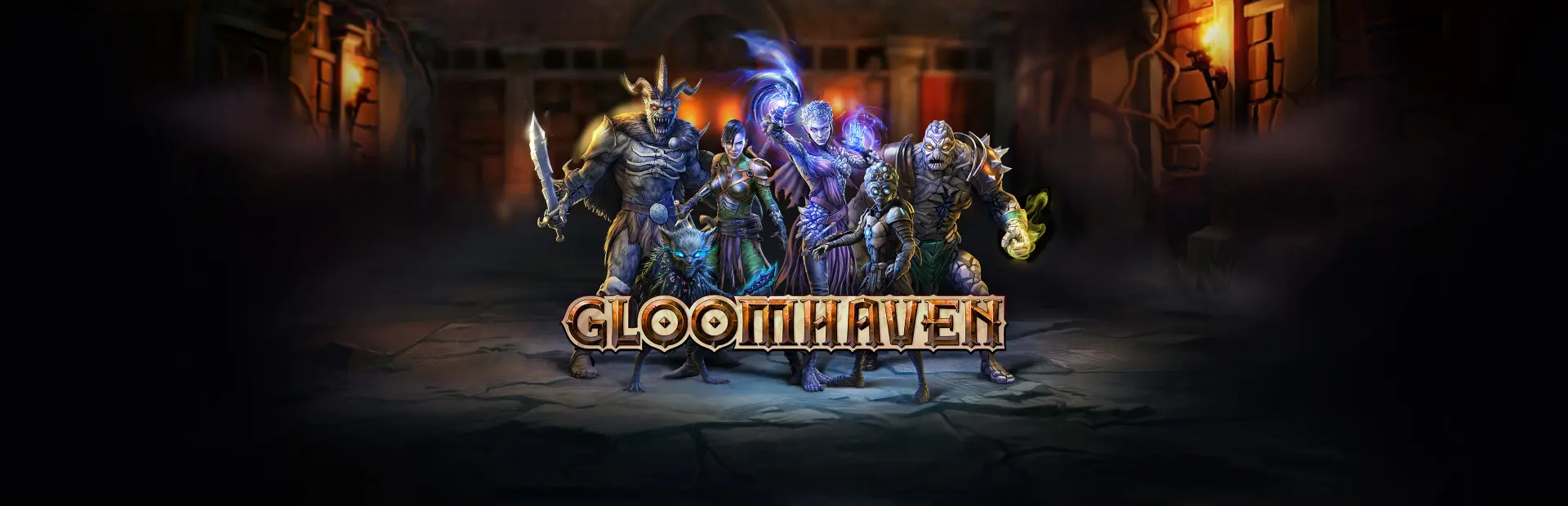
Gloomhaven
Gloomhaven Free Download - Overview
Gloomhaven is a tactical RPG and a digital adaptation of the ultimate strategy board game by Isaac Childres (the highest-rated board game of all time on ). Set in a unique medieval dark fantasy universe, Gloomhaven rewards strategic planning and problem solving. Face this dark world alone or in online co-op for up to 4 players!
Explore the world in a band of 2 to 4 mercenaries. Each of the 17 unique characters comes with their own skills and more than 1,000 different abilities to master! Prepare your deck of ability cards before setting out to explore the dark caves and dreadful forest of Gloomhaven through quests and events.
Once inside a dungeon, engage in tactical turn-based combat by selecting two cards for each mercenary on every turn. You can only use the top half of one and the bottom half of another, so plan accordingly!
Move up your hired blades on the hex grid terrain to take advantage of the dungeon’s environment. Set up deadly combos and unleash devastating powers but be wary of the cost. Cards are a resource as scarce and crucial as your life points, so watch out for exhaustion. Every choice has life or death consequences.
Screenshots
System Requirements
- OS Win 10 64bits
- Processor Intel Core i5-3470, AMD Ryzen 3 1200, or above
- Memory 8 GB RAM
- Graphics GeForce GTX 760, Radeon R9 280, or above
- DirectX Version 11
- Storage 14 GB available space
- Additional Notes Requires a 64-bit processor and operating system
- OS Win 10 64bits
- Processor Intel Core i5-11400, AMD Ryzen 5 3600, or above
- Memory 16 GB RAM
- Graphics GeForce GTX 1070, Radeon RX Vega 64, or above
- DirectX Version 11
- Network Broadband Internet connection
- Storage 14 GB available space
- Additional Notes Requires a 64-bit processor and operating system
How to Install
Download Gloomhaven (16.03 GB) using the download button.
Extract the archive with WinRAR or 7-Zip.
Open the extracted game folder and run
GH.exe.
Game Data & Settings
Change Language: Edit the file located at
steam_settings/Configs.user.ini.Save Data Location:
%USERPROFILE%/AppData/LocalLow/FlamingFowlStudios/Gloomhaven/GloomSaves
First, complete the installation of Gloomhaven.
Download the OnlineFix file.
Open the OnlineFix archive with WinRAR or 7-Zip.
Extract the files and folders inside the archive into the main folder of Gloomhaven, keeping the folder structure intact.
Use the main folder you extracted the game into.
If you are asked to merge or replace files, choose Yes / Replace.
When it is done, Sign in Steam Account and run
GH.exe.
You might also like



Comments
Sign in to join the conversation.
No comments yet. Be the first to say something.