

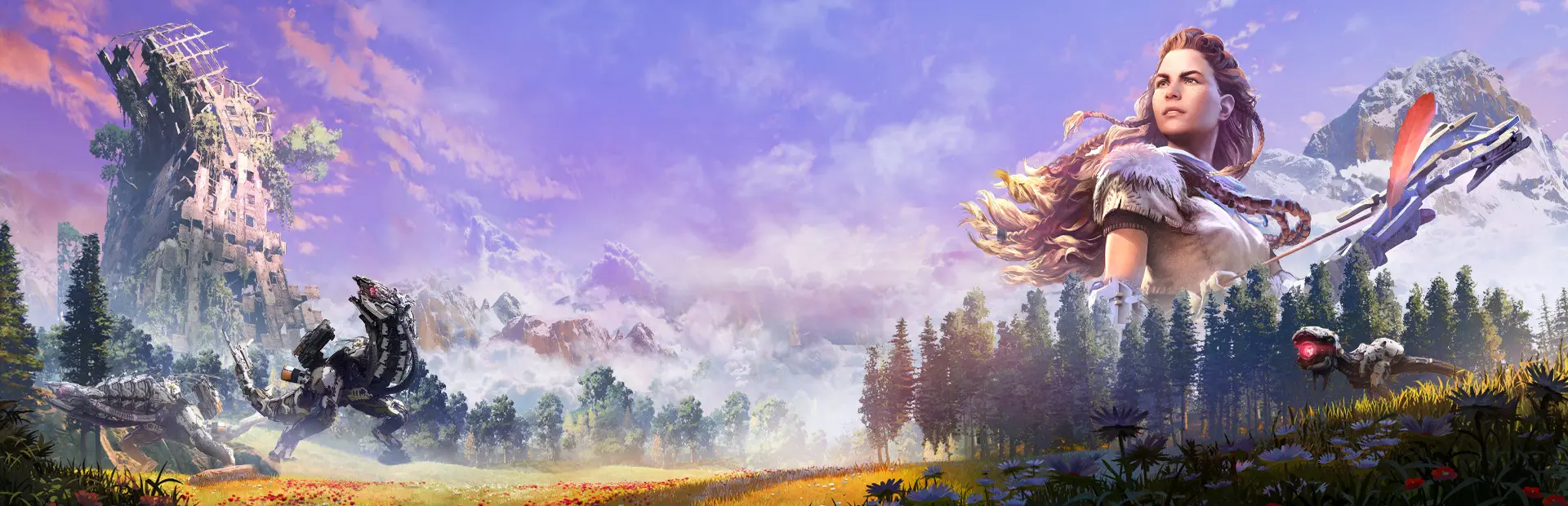
Horizon Zero Dawn Complete Edition
Horizon Zero Dawn Complete Edition Free Download - Overview
EARTH IS OURS NO MORE
Experience Aloy’s entire legendary quest to unravel the mysteries of a world ruled by deadly Machines.
An outcast from her tribe, the young hunter fights to uncover her past, discover her destiny… and stop a catastrophic threat to the future.
Unleash devastating, tactical attacks against unique Machines and rival tribes as you explore an open world teeming with wildlife and danger.
Horizon Zero Dawn™ is a multi-award-winning action role-playing game – and this Complete Edition for PC includes the huge expansion The Frozen Wilds, featuring new lands, skills, weapons and Machines.
INCLUDES:
• Horizon Zero Dawn
• The Frozen Wilds expansion
• Carja Storm Ranger Outfit and Carja Mighty Bow
• Carja Trader Pack
• Banuk Trailblazer Outfit and Banuk Culling Bow
• Banuk Traveller Pack
• Nora Keeper Pack
• Digital art book
Screenshots
System Requirements
- OS Windows 10 64-bits
- Processor Intel Core [email protected] or AMD FX [email protected]
- Memory 8 GB RAM
- Graphics Nvidia GeForce GTX 780 (3 GB) or AMD Radeon R9 290 (4GB)
- DirectX Version 12
- Storage 100 GB available space
- Additional Notes Requires a 64-bit processor and operating system
- OS Windows 10 64-bits
- Processor Intel Core [email protected] or Ryzen 5 [email protected]
- Memory 16 GB RAM
- Graphics Nvidia GeForce GTX 1060 (6 GB) or AMD Radeon RX 580 (8GB)
- DirectX Version 12
- Storage 100 GB available space
- Additional Notes Requires a 64-bit processor and operating system
How to Install
This release is split into part files. Extract only the first part - the rest are read automatically.
Download every part file of Horizon Zero Dawn Complete Edition.
Put all the part files in the same folder.
Right-click the first part and choose WinRAR → Extract Here or 7-Zip → Extract Here.
Do not extract Part 2, Part 3 and the remaining parts separately. The extractor uses them automatically.
When extraction finishes, open the game folder that was created and run
HorizonZeroDawn.exe.
Important: Do not rename the part files, and make sure every part is in the same folder.
Game Data & Settings
Change Language: Edit the file located at
steam_settings/Configs.user.ini.Save Data Location:
%USERPROFILE%/My Documents/Horizon Zero Dawn/Saved Game
You might also like



Comments
Sign in to join the conversation.
No comments yet. Be the first to say something.