

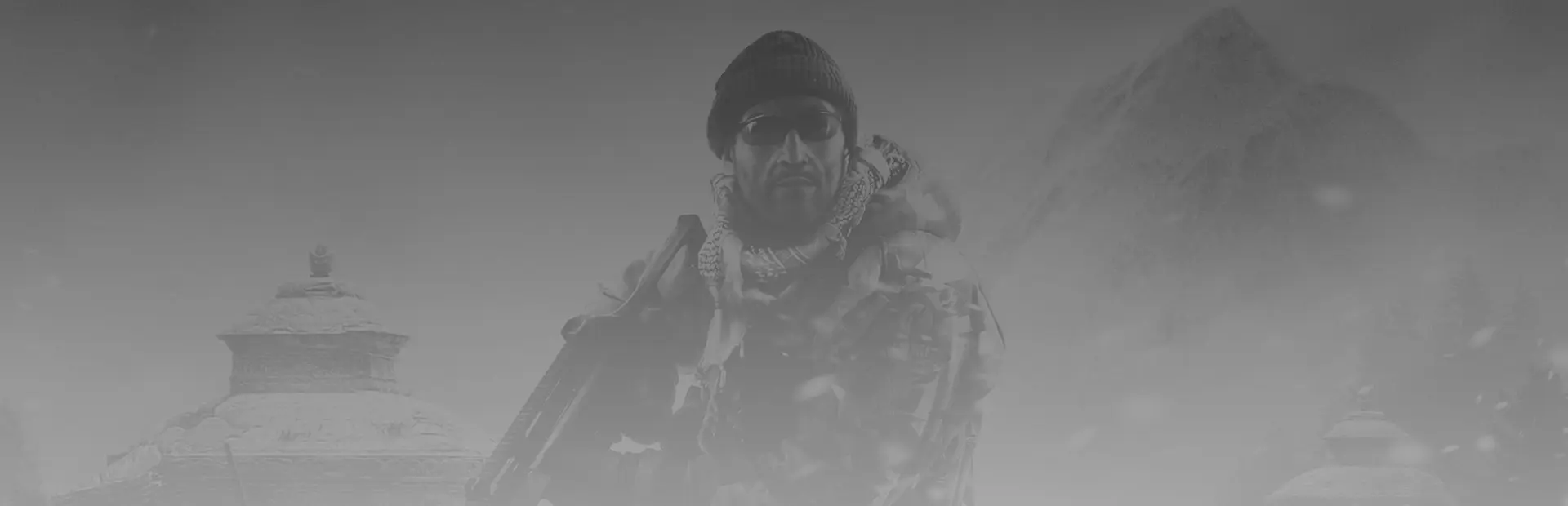
Jagged Alliance: Crossfire
Jagged Alliance: Crossfire Free Download - Overview
Jagged Alliance: Crossfire is a stand-alone expansion to the hit tactical RPG – Jagged Alliance: Back in Action. Crossfire adds new mercenaries, new environments and new weapons to challenge the player’s battlefield planning skills, while offering the combination of humorous dialog and realistic combat fans have come to expect from the series’ decade-long history.
Tactical combat at its finest, using the enhanced “Plan ‘n’ Go” system of plotting your team’s moves strategically, then executing them in nail-biting real time
10 new mercenaries round out your team, offering a roster of more than 50 unique combatants with unique skills, weaknesses and quirky personalities
10 new maps, set in the unforgiving, frozen mountainous countryside will challenge your planning skills – rocky mountain terrain, narrow valleys and icy cliffs will provide new cover opportunities, chokepoints and offer optimum ambush points
15+ hours of gameplay across a brand new campaign with a broad variety of missions
New weapons, enemies and equipment – supplies are scarce, and your mercenaries will have to make the most of outdated weapons, limited supplies and equipment
Enjoy the Jagged Alliance series as never before with vastly improved graphics, enhanced AI behavior, a polished interface and numerous performance and gameplay updates
Screenshots
System Requirements
- OS Windows XP (SP2), Vista oder Windows 7
- Processor Core 2 Duo Processor (1,8 GHz or better) or similar AMD
- Memory 2 GB RAM
- Graphics Shader 3.0 compatible graphics card (Ati 2600, Geforce 8800 or similar) with 512 MB RAM
- Storage 3 GB HD space
- OS Windows XP (SP2), Vista oder Windows 7
- Processor i5 Processor (2,4 GHz or better) or similar AMD
- Memory 4 GB RAM
- Graphics Shader 3.0 compatible graphics card (Ati 5850 and Geforce 460 or better) with 768 MB RAM
- Storage 3 GB HD space
How to Install
Download Jagged Alliance: Crossfire (1.80 GB) using the download button.
Extract the archive with WinRAR or 7-Zip.
Open the extracted game folder and run
JaggedAllianceCF.exe.
Game Data & Settings
Change Language: Move the language files on
LANGUAGESfolder to main game folder.
You might also like



Comments
Sign in to join the conversation.
No comments yet. Be the first to say something.