

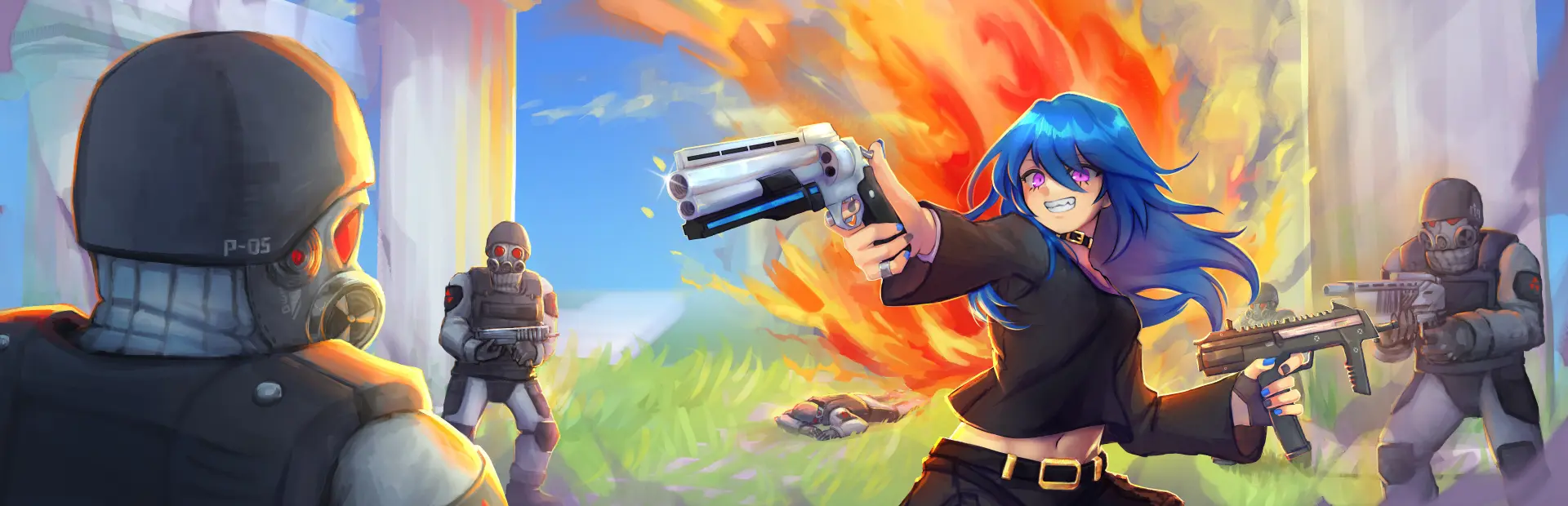
Lunar Drifter
Lunar Drifter Free Download - Overview
Be the ultimate legion killer. Aim precisely, move fast, heal up, and do not let the combo break!
As you progress through the chaos, more dangerous it will be, the enemies will get all kinds of backup varying from infantry, choppers, tanks, and even the undead itself.
Each of the 4 playable characters have their own unique play style. Engage at long range with snipers, run and gun with pistols and smgs, or face the enemy in close quarters with sledgehammers and shotguns.
You'll get to choose your own route in the main Arcade Mode. DANGER LEVEL will get carried over between Scenarios in your journey and even between different runs!
There is plenty of dangerous surprises waiting...
Screenshots
System Requirements
- OS Windows 7
- Processor 3.0 Ghz
- Memory 6 GB RAM
- Graphics 1 GB
- DirectX Version 11
- Storage 2 GB available space
- Additional Notes Requires a 64-bit processor and operating system
- OS Windows 10
- Processor 3.0 Ghz
- Memory 8 GB RAM
- Graphics 2 GB
- DirectX Version 11
- Storage 2 GB available space
- Additional Notes Requires a 64-bit processor and operating system
How to Install
Download Lunar Drifter (728 MB) using the download button.
Extract the archive with WinRAR or 7-Zip.
Open the extracted game folder and run
Lunar Drifter.exe.
Game Data & Settings
Change Language: Edit the file located at
steam_settings/Configs.user.ini.Save Data Location:
%USERPROFILE%/AppData/LocalLow/RoseHoodGames/Lunar Drifter
First, complete the installation of Lunar Drifter.
Download the OnlineFix file.
Open the OnlineFix archive with WinRAR or 7-Zip.
Extract the files and folders inside the archive into the main folder of Lunar Drifter, keeping the folder structure intact.
Use the main folder you extracted the game into.
If you are asked to merge or replace files, choose Yes / Replace.
When it is done, Sign in Steam Account and run
Lunar Drifter.exe.
You might also like






Comments
Sign in to join the conversation.
No comments yet. Be the first to say something.