

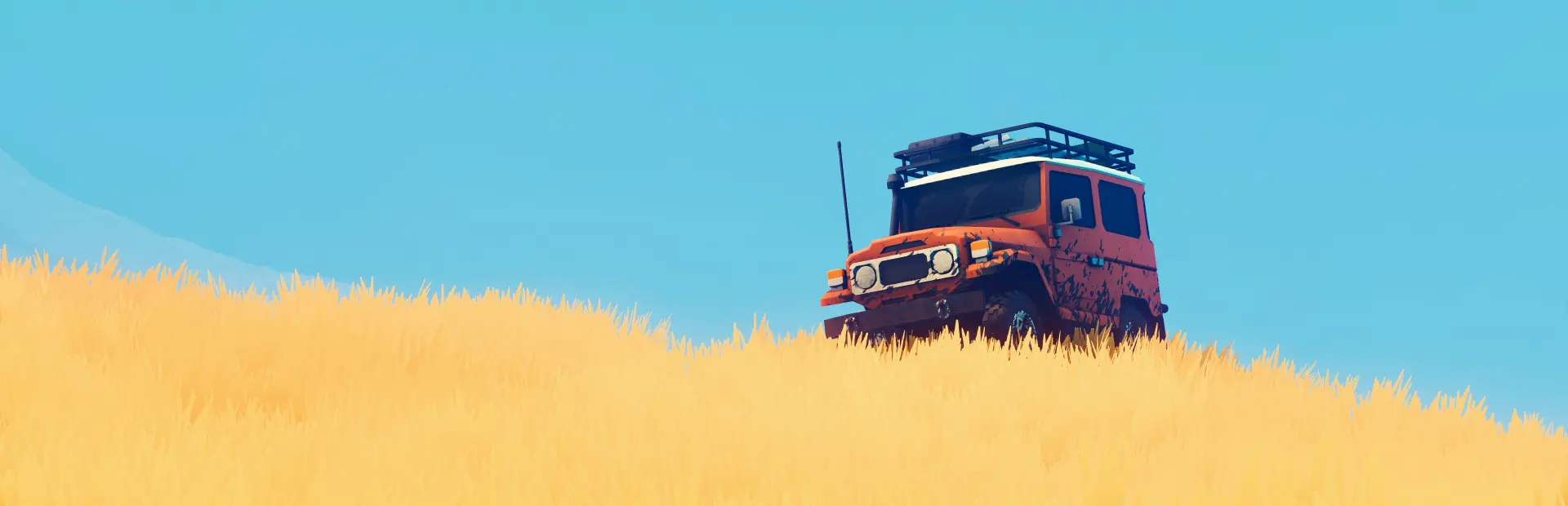
over the hill
over the hill Free Download - Overview
Take to the trails solo or with up to three friends. Cruise through scenic landscapes, tackle challenging off-road routes, and work together to overcome the obstacles standing between you and your destination. Different situations call for different solutions. Use planks to cross gaps, deploy winches to recover vehicles and navigate difficult terrain, and bring the right equipment to help you overcome the challenges ahead. Whether you're carefully planning your route or improvising your way through a tricky situation, the journey is always in your hands.
Spot native wildlife and use the in-game camera to document your discoveries. Photograph the animals you encounter to fill out your wildlife compendium, or stop to capture an awe-inspiring landscape, a beautiful sunset, or any other moment worth remembering. This is a driving game, not a racing game. Take your time, enjoy the drive, find your own route, and see where the road leads. The best stories never start at the end.
Screenshots
System Requirements
- OS Windows 10
- Processor Intel Core i5-7400 / AMD Ryzen 5 2600
- Memory 8 GB RAM
- Graphics Nvidia GTX 1070 / AMD Radeon RX 5600
- DirectX Version 11
- Network Broadband Internet connection
- Storage 4 GB available space
- Additional Notes Specs tested on FullHD resolution Requires a 64-bit processor and operating system
- Additional Notes Requires a 64-bit processor and operating system
How to Install
Download over the hill (2.70 GB) using the download button.
Extract the archive with WinRAR or 7-Zip.
Open the extracted game folder and run
over the hill.exe.
Game Data & Settings
Change Language: Edit the file located at
steam_settings/Configs.user.ini.Save Data Location:
%USERPROFILE%/My Documents/My Games/over the hill/Saves
First, complete the installation of over the hill.
Download the OnlineFix file.
Open the OnlineFix archive with WinRAR or 7-Zip.
Extract the files and folders inside the archive into the main folder of over the hill, keeping the folder structure intact.
Use the main folder you extracted the game into.
If you are asked to merge or replace files, choose Yes / Replace.
When it is done, Sign in Steam Account and run
over the hill.exe.
You might also like



Comments
Sign in to join the conversation.
No comments yet. Be the first to say something.