

Seafarer: The Ship Sim
Seafarer: The Ship Sim Free Download - Overview
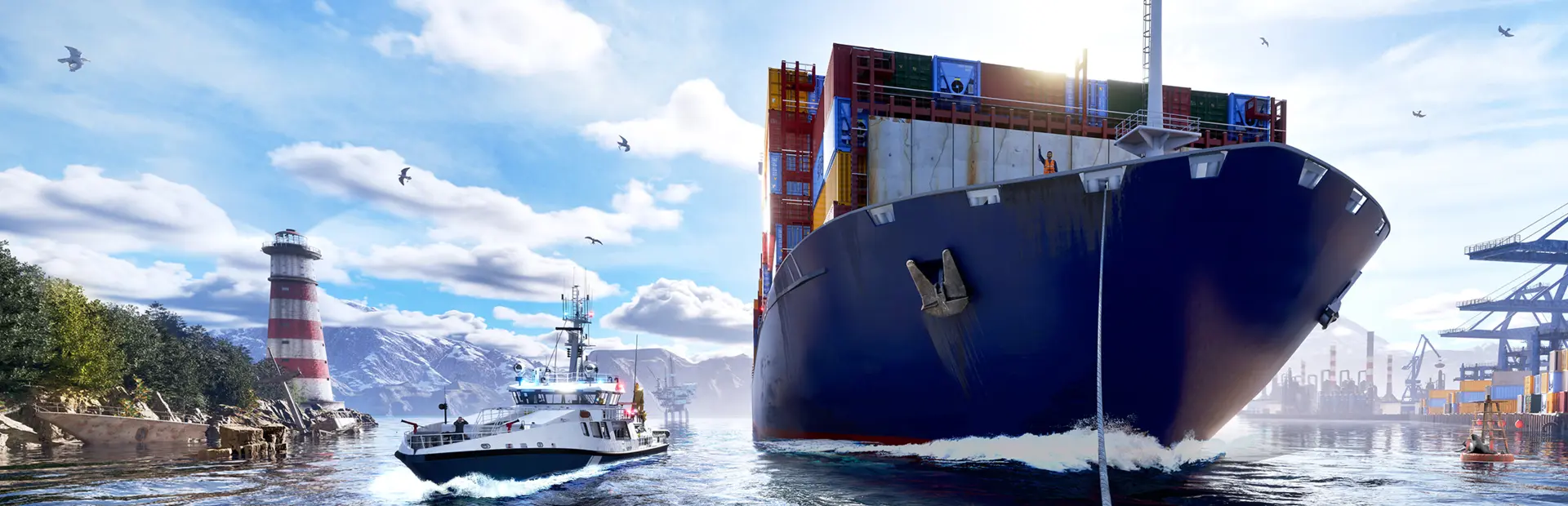
Start your career as an aspiring captain and earn your reputation across different harbors and factions. Complete missions, unlock new opportunities, expand your fleet, and shape your own path on the water. Whether you are transporting a variety of cargo between ports - from bulk goods and containers to LNG - answering distress calls with the Tide Guard, scouting the sea with your drone, or simply enjoying the rolling waves, every voyage brings something new to discover. A story-driven campaign follows Teddy, an experienced captain with a troubled past. As sabotage, piracy, and old secrets come to light, you become part of a maritime mystery about guilt, trust, and redemption.
Screenshots
System Requirements
- OS Windows 10 64-Bit
- Processor Intel Core i3-12100F / AMD Ryzen 5 3600 or better
- Memory 16 GB RAM
- Graphics NVIDIA GeForce RTX 2060 6 GB / AMD Radeon RX 5600 XT 6 GB
- DirectX Version 12
- Storage 42 GB available space
- Additional Notes (Please note: A dedicated graphics card is required.) Requires a 64-bit processor and operating system
- OS 64-bit Windows 11
- Processor AMD Ryzen 9 7900 (12 Core) or Intel equivalent
- Memory 64 GB RAM
- Graphics NVIDIA GeForce RTX 4070 (12 GB) or AMD Radeon RX 7950 (16 GB)
- DirectX Version 12
- Storage 42 GB available space
- Additional Notes (Please note: A dedicated graphics card is required.) Requires a 64-bit processor and operating system
How to Install
Download Seafarer: The Ship Sim (14.47 GB) using the download button.
Extract the archive with WinRAR or 7-Zip.
Open the extracted game folder and run
Seafarer.exe.
Game Data & Settings
Change Language: Edit the file located at
steam_settings/Configs.user.ini.Save Data Location:
%USERPROFILE%/AppData/Local/Orca/Saved/SaveGames
First, complete the installation of Seafarer: The Ship Sim.
Download the OnlineFix file.
Open the OnlineFix archive with WinRAR or 7-Zip.
Extract the files and folders inside the archive into the main folder of Seafarer: The Ship Sim, keeping the folder structure intact.
Use the main folder you extracted the game into.
If you are asked to merge or replace files, choose Yes / Replace.
When it is done, Sign in Steam Account and run
Seafarer.exe.
You might also like






Comments
Sign in to join the conversation.
No comments yet. Be the first to say something.