

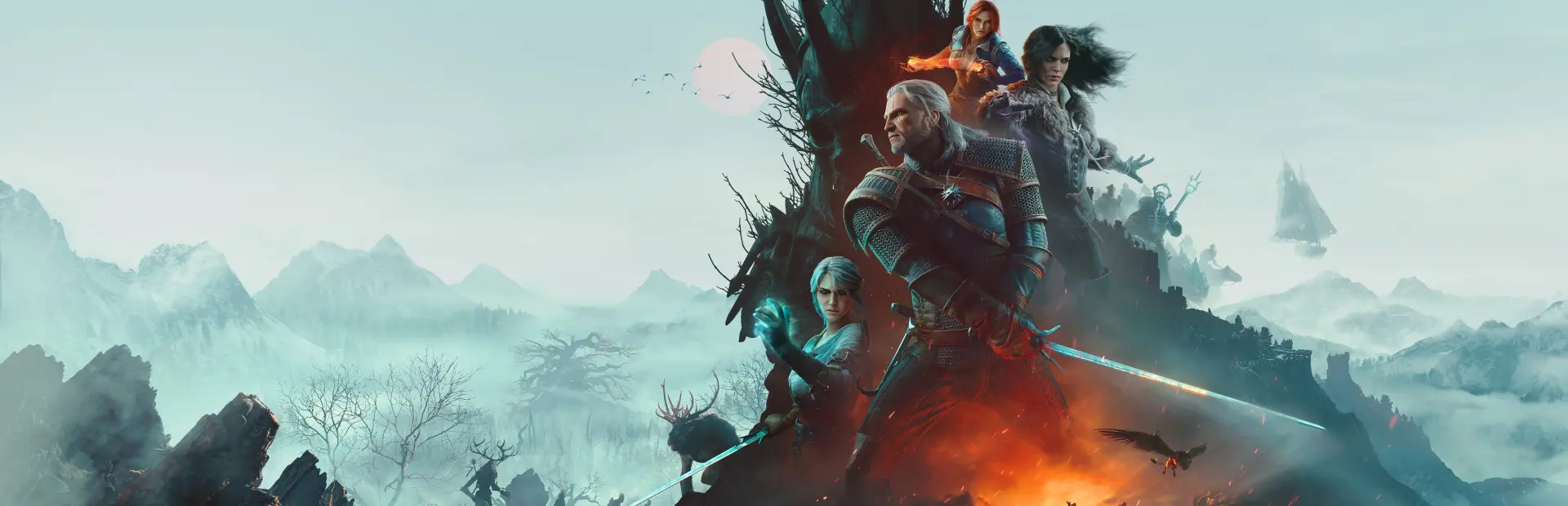
The Witcher 3: Wild Hunt — Remastered
The Witcher 3: Wild Hunt — Remastered Free Download - Overview
Set across war-torn villages, dangerous wilderness, crowded cities, and mysterious islands, the game follows Geralt as he searches for Ciri while dealing with monsters, sorcerers, kings, and the consequences of choices made along the way.
Combat combines swordplay, signs, bombs, potions, and a variety of abilities, giving you different ways to handle both ordinary enemies and powerful creatures. Preparing for a fight matters, especially when facing monsters with specific weaknesses. Outside combat, you can explore the world, investigate contracts, play Gwent, discover hidden locations, and take on side quests that often develop into stories of their own.
The remastered version improves the presentation with updated textures, enhanced lighting, environmental details, and other visual upgrades. Gameplay additions and quality-of-life improvements make exploration and combat more comfortable while keeping the original adventure intact.
Screenshots
System Requirements
- OS 64-bit Windows 11
- Processor Core i5-8400 / Ryzen 5 2600
- Memory 12 GB RAM
- Graphics GeForce GTX 1660 / Radeon RX 5500 XT 8GB / Arc A580
- Storage 60 SSD GB available space
- Additional Notes VRAM 6 GB
- OS 64-bit Windows 11
- Processor Intel Core i7 8700K / AMD Ryzen 5 3600X
- Memory 16 GB RAM
- Graphics RTX 2060 Super / AMD Radeon RX 6600 XT / Intel Arc B580
- Storage 60 SSD GB available space
- Additional Notes VRAM 8 GB
How to Install
This release is split into part files. Extract only the first part - the rest are read automatically.
Download every part file of The Witcher 3: Wild Hunt — Remastered.
Put all the part files in the same folder.
Right-click the first part and choose WinRAR → Extract Here or 7-Zip → Extract Here.
Do not extract Part 2, Part 3 and the remaining parts separately. The extractor uses them automatically.
When extraction finishes, open the game folder that was created and run
bin/x64_dx12/witcher3.exe.
Important: Do not rename the part files, and make sure every part is in the same folder.
Game Data & Settings
Change Language: Edit the file located at
steam_settings/Configs.user.ini.Save Data Location:
%USERPROFILE%/My Documents//The Witcher 3/gamesaves/
You might also like





Comments
Sign in to join the conversation.
No comments yet. Be the first to say something.