

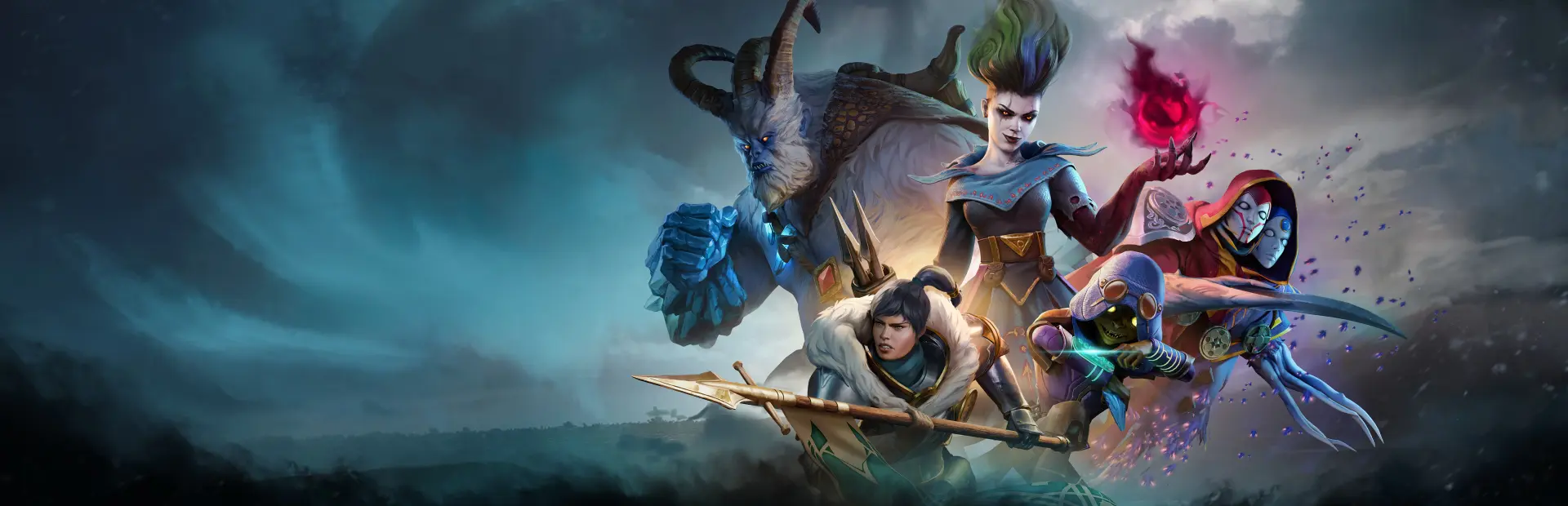
Frosthaven
Frosthaven Free Download - Overview
An evolution of the FROSTHAVEN board game experience, the dark fantasy tactical RPG serves as a spiritual successor to Gloomhaven and is developed by Snapshot Games. Players can expect deep mechanics and challenging yet immensely satisfying gameplay both in Single Player and Co-Op Online Multiplayer. Seasoned veterans of the original board game or Gloomhaven will feel right at home venturing into the unforgiving and treacherous northern frontier of FROSTHAVEN. Newcomers can start their first adventure with difficulty modes tailored to their skill level. Improved UX and quality-of-life features will ensure all players can enjoy their experience. The brand-new character classes, each featuring unique playstyles and abilities, makes it so that every decision matters. Players must balance risk and reward, working towards the best synergies between the classes comprising their party. Carefully managing resources is paramount to progress through a gripping campaign, set in a vast world filled with menacing enemies and diverse environments.
Screenshots
System Requirements
- OS Window 10 64 bit, Windows 11 64 bit
- Processor Intel i5 7600 / AMD 2600
- Memory 8 GB RAM
- Graphics NVIDIA GTX 960 / AMD RX 570
- DirectX Version 11
- Storage 50 GB available space
- Additional Notes Requires a 64-bit processor and operating system
- OS Window 10 64 bit, Windows 11 64 bit
- Processor Intel 12500 / AMD 5700x, or above
- Memory 16 GB RAM
- Graphics NVIDIA RTX 3060 / AMD RX 6600, or above
- DirectX Version 11
- Network Broadband Internet connection
- Storage 50 GB available space
- Additional Notes Requires a 64-bit processor and operating system
How to Install
Download Frosthaven (29.74 GB) using the download button.
Extract the archive with WinRAR or 7-Zip.
Open the extracted game folder and run
Frosthaven.exe.
Game Data & Settings
Change Language: Edit the file located at
steam_settings/Configs.user.ini.Save Data Location:
%USERPROFILE%/AppData/LocalLow/Snapshot Games Inc/Frosthaven/Steam/
First, complete the installation of Frosthaven.
Download the OnlineFix file.
Open the OnlineFix archive with WinRAR or 7-Zip.
Extract the files and folders inside the archive into the main folder of Frosthaven, keeping the folder structure intact.
Use the main folder you extracted the game into.
If you are asked to merge or replace files, choose Yes / Replace.
When it is done, Sign in Steam Account and run
Frosthaven.exe.
You might also like




Comments
Sign in to join the conversation.
No comments yet. Be the first to say something.